VPN Logging Best Practices
Table of Contents
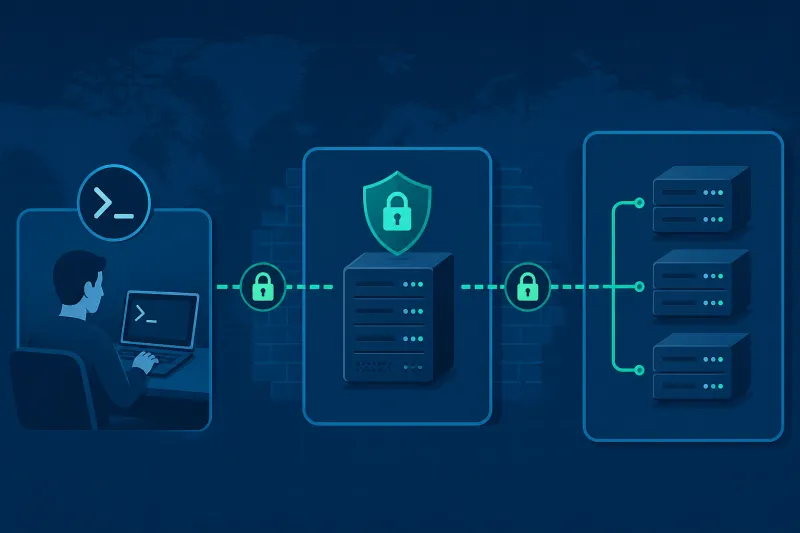
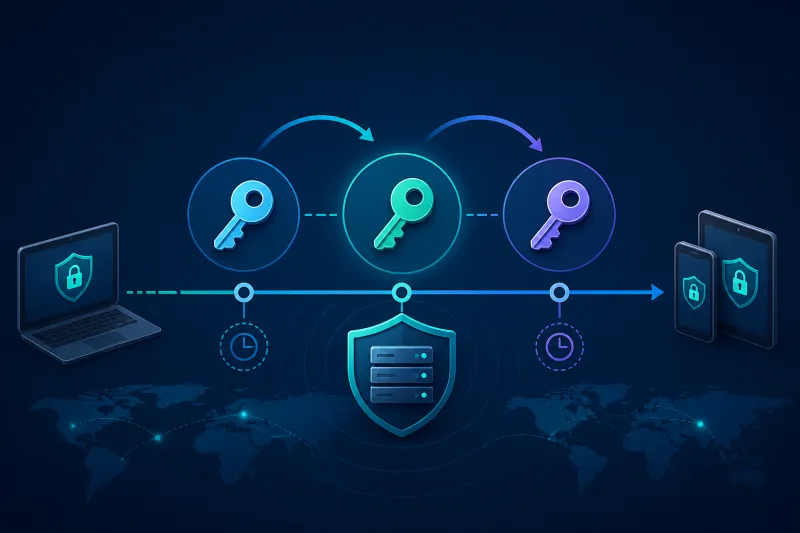
VPN logging sits on a fault line: operators need enough signal to debug tunnels and investigate abuse; users and companies often expect the gateway not to become a surveillance archive of their traffic. Good practice is deliberate minimalism—log what proves health and access integrity, retain it on purpose, and never capture payloads “just in case.”
This guide is for self-hosted WireGuard and OpenVPN fleets on your own VPS (for example DigitalOcean), not consumer VPN marketing claims.
What You'll Learn
- Which VPN events are worth logging
- What you should avoid capturing
- Retention, access control, and integrity of logs
- WireGuard vs OpenVPN logging realities
- Incident response uses for logs
- Best practices, common mistakes, and FAQ
Decide the Purpose First
Write down why you log:
- Availability: detect dead agents, broken handshakes, port blocks
- Security: detect brute force on management planes, unexpected peer adds
- Abuse/compliance: answer “was this account active in this window?” at a coarse level
- Billing/capacity: throughput per node/region
If a log line does not serve one of those purposes, drop it. Purpose-free logging becomes liability.
What to Log (Recommended)
Control plane / agent
- Node enroll, deenroll, version changes
- Protocol install/repair/uninstall jobs and outcomes
- Peer/user create, update, revoke (actor, target id, timestamp)
- Config reconcile success/failure
- Authentication failures to the management API
These are usually the highest-value logs in a TunnelFleet-style system because they explain intent.
Host / service health
- systemd unit start/stop failures for
wg-quick, OpenVPN, agent - cloud-init final status on first boot (bootstrap forensic)
- Disk full, OOM killer, NIC down events
- Firewall reloads and UFW/nftables errors
VPN signal (coarse)
WireGuard:
- Interface up/down
- Peer add/remove events from your reconciler (not necessarily every handshake)
- Synthetic probe handshake age
- Optional: periodic snapshot of peer count vs desired count
OpenVPN:
- Client connect/disconnect with cert CN / user id (not payload)
- TLS handshake failures
- Auth plugin failures
- Server start/reload
Infrastructure API
DigitalOcean audit-relevant events: droplet create/destroy, firewall changes, token use. Correlate with your provisioner logs.
What Not to Log
Avoid:
- Full packet captures of user traffic on the VPN interface by default
- DNS query logs for every client unless you have an explicit product/compliance reason and retention limits
- Private keys, PSKs, or client config private halves in application logs
- Entire
wg showdumps containing keys if your tooling prints them—prefer redacted status - Verbosity that includes decrypted HTTP content from proxied debugging
“We might need it someday” is how you build a breach treasure chest.
WireGuard-Specific Reality
WireGuard’s design is intentionally quiet. The kernel module does not produce chatty per-packet application logs. That is a feature.
Operational visibility typically comes from:
wg showhandshake times and transfer counters (scrape carefully)- Your control plane’s desired-vs-actual peer inventory
- External synthetics (probe peer connecting every N minutes)
- netflow-style metadata at the cloud edge if you choose—know the privacy impact
Do not invent invasive userspace packet logging just because WireGuard feels “too silent.” Silence plus synthetics beats verbose spyware.
OpenVPN-Specific Reality
OpenVPN can log connections verbosely. Tune verb for production: enough to diagnose TLS/auth issues, not so much you drown disks or leak material. Ship status logs to a collector; rotate local files aggressively.
If you use username/password plugins, ensure failures do not log passwords. It still happens in poorly written hooks.
Retention Policy
Pick retention by class:
| Class | Example | Retention sketch |
|---|---|---|
| Security audit | peer revoke, admin login | 180–365 days |
| Ops debug | agent errors | 14–30 days |
| Metrics | handshake gauges | short raw, longer rollups |
| Packet captures | incident only | days, then delete |
Legal holds override normal deletion—document that path. Default to delete.
Access Control and Integrity
- Centralize logs in a system admins of the VPN node cannot quietly alter without detection
- Restrict who can query connection metadata
- Encrypt storage at rest if the collector holds sensitive identifiers
- Separate duties: the engineer who can revoke peers may not need full historical export
If logs only exist on the VPN VPS, a root compromise erases the evidence.
Correlation Without Surveillance
Useful questions:
- Did peer X exist in inventory at time T?
- Did the node’s agent heartbeat fail when users complained?
- Was a firewall rule changed before the outage?
- Did mass handshake failures follow a rotation job?
Less useful / more invasive:
- Every destination IP a user visited through a full tunnel
Prefer application logs at the services users access over reconstructing browsing from the VPN gateway.
Incident Response Playbooks
Define playbooks that name required log sources:
- Suspected stolen peer key → inventory history + connect times (if any) + revoke audit
- Mass disconnect → agent versions, deploy timeline, cloud outage status
- Abuse complaint → whether you even retain enough to answer; if not, say so honestly in policy
Publish an external-facing privacy statement that matches reality. Do not claim “no logs” if you retain connection metadata.
Multi-Tenant and Employer VPNs
Employer-operated VPNs often have stronger logging expectations (device posture, DLP). Still apply minimization: identity and session metadata ≠ content inspection by default. If content inspection exists, it should be a separate, disclosed control—not an accidental tcpdump on wg0.
Field-Level Allowlists
Define an explicit schema for VPN-related events, for example:
event_type,timestamp,actor_id,node_id,peer_id,result- Optional:
bytes_in,bytes_out(coarse) - Forbidden:
private_key,preshared_key,packet_payload,dns_qname(unless separately approved)
Validate exporters in CI against the schema. Engineers adding “just one debug field” is how sensitive data enters long-term storage.
Sampling and Aggregation
High-cardinality per-peer metrics can become both expensive and identifying. Prefer:
- Node-level aggregates for dashboards
- Per-peer details on pull during incidents (with access control)
- Synthetic peer metrics always on
Sampling failed handshakes is usually enough for health; storing every successful handshake forever rarely is.
Cross-Border and Employer Considerations
If nodes run in multiple countries, log storage location may matter for policy. Keep a simple data-map: which collector holds VPN metadata, in which region, with which retention. Employer VPNs should disclose monitoring in acceptable-use policies with language that matches the schema—not marketing “we respect privacy” beside indefinite DNS logging.
Redaction Pipelines
Assume someone will eventually log a config blob. Build redactors that strip:
PrivateKey = ...PresharedKey = ...- OpenVPN
<key>blocks - Bearer tokens
Unit-test redactors with fixtures. Then still avoid emitting those fields. Defense in depth for logs is cheaper than a breach notification.
Metrics vs Logs
Prefer metrics for high-frequency health (handshake age gauge, peer count) and logs for discrete state changes (revoke, enroll, firewall modify). Collapsing everything into log lines makes retention expensive and queries slow. Use the right signal type for the job.
Example Event Catalog (Minimal)
Ship at least these event types and no payload content:
node.enrolled/node.destroyedpeer.created/peer.revokedprotocol.installed/protocol.repairedagent.heartbeat_missing(alert side)auth.admin_login_failed
If your collector holds only that catalog plus host metrics, you can operate and investigate most incidents without building a user traffic warehouse. Expand the catalog only with a written purpose and retention class.
Storage Classes and Encryption
Keep hot operational logs searchable for the debug retention window; move audit-class events to colder storage with stricter ACLs. Encrypt collectors at rest and in transit. Separate the IAM role that writes logs from the role that reads them so a compromised VPN node credential cannot wipe the archive.
Test restores: a log system that cannot be queried during an incident is decoration. Quarterly, pick a historical revoke event and prove you can retrieve it within the stated retention.
Provider Claims vs Self-Hosted Reality
Consumer VPN brands advertise “no logs” as a differentiator. On a self-hosted DigitalOcean VPS you are the operator: you choose the schema. That is more honest and more responsibility. If leadership wants “no logs,” translate the request into a concrete allowlist (heartbeats and revoke audits only) rather than disabling all visibility and hoping uptime continues.
Write the chosen allowlist into onboarding docs for new engineers so debug culture does not reinvent packet capture every outage.
Best Practices
- Write a logging purpose statement before enabling exporters.
- Prefer control-plane audit logs over packet-level capture.
- Use synthetics for WireGuard health instead of invasive verbosity.
- Redact secrets in log pipelines with tests.
- Ship logs off-box with retention jobs that actually delete.
- Align public privacy claims with retained fields.
- Alert on reconcile errors and heartbeat gaps, not on every handshake.
- Document who can access historical VPN metadata.
Common Mistakes
tcpdump on wg0 left running for weeks.
Debug OpenVPN verb 5 in production forever.
Logging client private keys during config generation.
Promising zero logs while keeping detailed SSH and agent audits—be precise in language.
Infinite retention in Elasticsearch “because storage is cheap.”
No UTC timestamps / mixed timezones in multi-region fleets.
Alert fatigue from scraping every peer handshake into pages.
FAQ
Does WireGuard keep connection logs by default?
No detailed user browsing logs. You see what you scrape (wg show) and what your stack records around it. Design intentional telemetry.
Can I operate without any VPN logs?
You can minimize deeply, but operating blind (no agent heartbeats, no audit of revokes) is unwise. Aim for operational logs without content capture.
Are transfer counters privacy-sensitive?
They can be. Coarse bytes-per-peer over time is milder than destinations, but still treat exports as sensitive.
How long should I keep peer revoke audits?
Often longer than debug logs—revocation history answers access questions months later. Define explicitly (for example 1 year).
Should DNS on the VPN server log queries?
Only with a clear requirement. If you run a resolver for clients, query logs are highly sensitive; prefer short retention or none.
What about NetFlow/IPFIX?
Metadata about flows leaving the VPS can be useful for abuse and capacity. It is not “no-log.” Govern it like security telemetry.
Do cloud provider logs replace VPN logs?
DigitalOcean logs tell you about droplets and accounts, not WireGuard peer identity. You need both layers for full incident narratives.
Summary
VPN logging best practice is purposeful minimalism: audit control-plane changes, monitor health with synthetics and heartbeats, retain on a schedule, and refuse payload capture as a default. WireGuard’s quietness is an advantage—do not “fix” it with invasive packet logs. Make privacy statements match the fields you actually store, and protect the log system as carefully as the tunnel.
If you want to automate VPN server deployment instead of configuring everything manually, TunnelFleet helps you provision and manage VPN infrastructure on your own cloud provider with minimal manual setup.
Share this article
Practical guides on VPN infrastructure, server automation, and self-hosted networking from the TunnelFleet team.
View all articles by TunnelFleet Editorial →