cloud-init Examples for Server Automation
Table of Contents
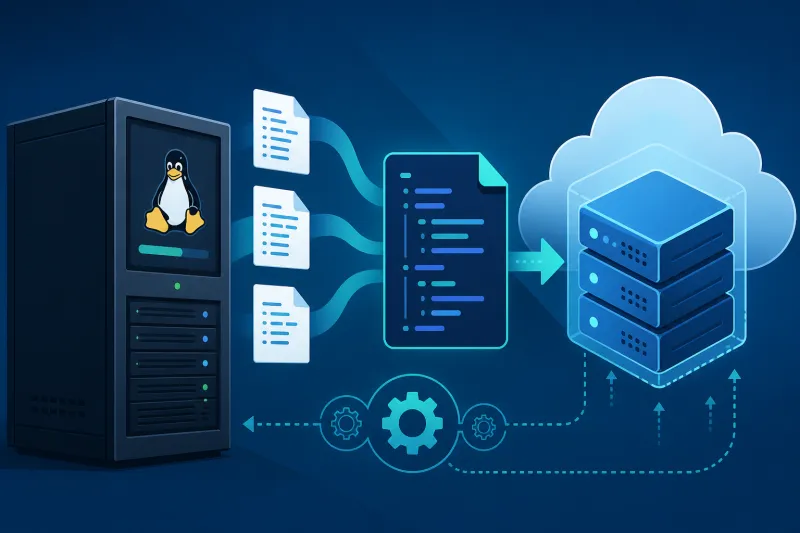
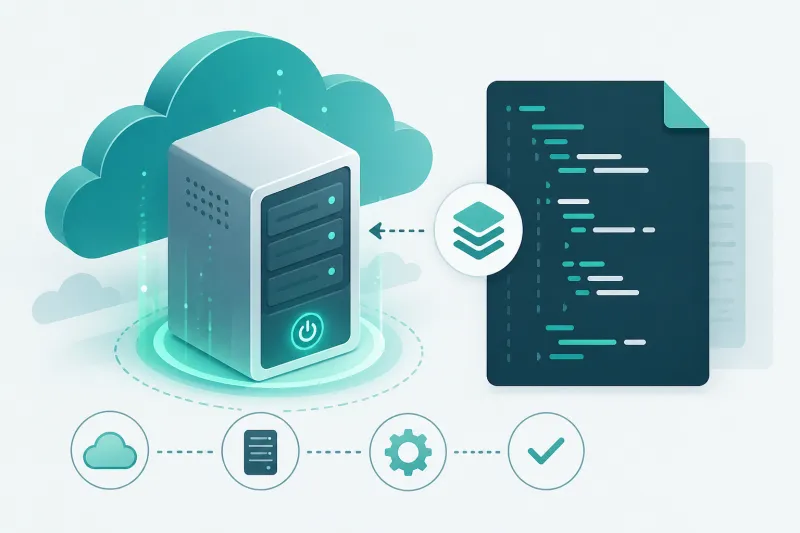
cloud-init is the standard way to configure a Linux VPS on first boot. You attach a YAML (or shell) user-data document when the droplet is created; the instance applies it before you ever SSH in. For VPN servers, that means packages, users, firewall rules, sysctl, and install hooks can be identical across regions—without a human repeating apt install on every box.
This article is a practical set of cloud-init examples aimed at Ubuntu 22.04 and 24.04 LTS on DigitalOcean. Copy the patterns, replace placeholders, and keep secrets out of the committed template.
What You'll Learn
- How cloud-init fits into VPS and VPN automation
- Reusable snippets for users, SSH, packages, UFW, and sysctl
- WireGuard-oriented first-boot patterns
- How to verify cloud-init succeeded
- What belongs in cloud-init vs what belongs in a long-running agent
- Best practices, common mistakes, and FAQ
How cloud-init Runs on a Fresh Droplet
On DigitalOcean, user data is provided at droplet create time. cloud-init modules run in a defined order: disk, network, users, packages, write_files, runcmd, and so on. Idealizations help:
- Idempotent where possible: prefer declarative keys (
users,packages) over fragile shell. - First boot oriented: cloud-init is excellent at bootstrap; it is a poor ongoing config manager if you keep SSHing fixes that never return to the template.
- Logged: failures land in
/var/log/cloud-init.logand/var/log/cloud-init-output.log.
Always start YAML documents with #cloud-config so the right datasource parser kicks in.
Example 1: Baseline Hardened Ubuntu User
#cloud-config
users:
  - name: deploy
    groups: [sudo]
    shell: /bin/bash
    sudo: ALL=(ALL) NOPASSWD:ALL
    ssh_authorized_keys:
      - ssh-ed25519 AAAA... deploy@laptop

package_update: true
package_upgrade: true

packages:
  - fail2ban
  - ufw
  - jq
  - curl

write_files:
  - path: /etc/ssh/sshd_config.d/99-hardening.conf
    permissions: "0644"
    content: |
      PasswordAuthentication no
      PermitRootLogin no
      KbdInteractiveAuthentication no

runcmd:
  - systemctl reload ssh
  - ufw default deny incoming
  - ufw default allow outgoing
  - ufw allow OpenSSH
  - ufw --force enable
Notes:
- Prefer a non-root sudo user with an Ed25519 key.
- Put sshd overrides in a drop-in file under
sshd_config.dso package upgrades are less painful. NOPASSWDis convenient for automation; tighten if humans use the same account interactively.
Example 2: VPN-Ready sysctl and Forwarding
VPN gateways that route client traffic need forwarding. Bake it into first boot:
#cloud-config
write_files:
  - path: /etc/sysctl.d/99-vpn-forward.conf
    content: |
      net.ipv4.ip_forward = 1
      net.ipv6.conf.all.forwarding = 1
      net.ipv4.conf.all.rp_filter = 1

runcmd:
  - sysctl --system
Forwarding without matching firewall/NAT rules will confuse you later (“tunnel pings, internet does not”). Treat UFW/nftables masquerade as a deliberate follow-on—either in runcmd you understand deeply, or in an agent that applies a tested policy.
Example 3: Install WireGuard Tools
#cloud-config
package_update: true
packages:
  - wireguard
  - wireguard-tools

runcmd:
  - modprobe wireguard || true
  - systemctl enable wg-quick@wg0 || true
Do not embed real private keys in the YAML that lives in git. Either:
- Generate keys on first boot and register the public key with your control plane, or
- Fetch a rendered
/etc/wireguard/wg0.confover an authenticated channel after boot.
A placeholder-only write is fine for local experiments:
#cloud-config
write_files:
  - path: /etc/wireguard/wg0.conf
    permissions: "0600"
    content: |
      [Interface]
      Address = 10.66.66.1/24
      ListenPort = 51820
      PrivateKey = REPLACE_AT_PROVISION_TIME
Replace REPLACE_AT_PROVISION_TIME via your provisioner secret injection, not a committed value.
Example 4: Open Firewall for WireGuard and SSH
#cloud-config
packages:
  - ufw

runcmd:
  - ufw default deny incoming
  - ufw default allow outgoing
  - ufw allow 22/tcp
  - ufw allow 51820/udp
  - ufw --force enable
Also open the same ports on the DigitalOcean cloud firewall attached to the droplet. Host UFW and cloud firewall are independent; either side can blackhole UDP.
Example 5: Install a Bootstrap Script from HTTPS
When the bootstrap logic is too large for user-data limits or changes often, keep YAML thin and pull a pinned script:
#cloud-config
packages:
  - curl

runcmd:
  - curl -fsSL https://example.com/bootstrap/vpn-node.sh -o /tmp/vpn-node.sh
  - sha256sum /tmp/vpn-node.sh | grep -q 'EXPECTED_SHA256' || exit 1
  - bash /tmp/vpn-node.sh
Pin by checksum or signature. Blind curl | bash without verification is how supply-chain incidents start. TunnelFleet’s DigitalOcean flow uses cloud-init to run a controlled installer path for the agent—same idea, with the provider creating the droplet so you are not hand-pasting scripts over SSH.
Example 6: Files, Permissions, and systemd Units
#cloud-config
write_files:
  - path: /usr/local/bin/vpn-healthcheck
    permissions: "0755"
    content: |
      #!/bin/bash
      set -euo pipefail
      wg show all || exit 1
  - path: /etc/systemd/system/vpn-healthcheck.service
    content: |
      [Unit]
      Description=VPN healthcheck
      After=network-online.target
      [Service]
      Type=oneshot
      ExecStart=/usr/local/bin/vpn-healthcheck
      [Install]
      WantedBy=multi-user.target

runcmd:
  - systemctl daemon-reload
  - systemctl enable vpn-healthcheck.service
Keep scripts short in cloud-init. Large programs belong in packages or pulled artifacts.
Example 7: Hostname and Locale Consistency
#cloud-config
hostname: vpn-eu-fra-01
fqdn: vpn-eu-fra-01.example.com
manage_etc_hosts: true
timezone: Etc/UTC

locale: en_US.UTF-8
Consistent hostnames make logs and peer inventories readable. Align DNS A records with the same name when the droplet gets a public IP.
Example 8: Multipart MIME (Advanced)
When you need cloud-config and a shell script, DigitalOcean supports multipart user data. Use it when modules alone cannot express an install sequence. Prefer staying in #cloud-config until you have a clear reason not to—multipart is harder to review in PRs.
Verifying Success
After boot:
cloud-init status --wait
cloud-init status --long
sudo tail -n 200 /var/log/cloud-init-output.log
status: error means fix the template and rebuild. Do not “patch production” and leave the broken user-data in place—the next recreate will fail the same way.
Useful checks for VPN roles:
ip -br a
sudo ufw status verbose
sudo wg show
systemctl is-active wg-quick@wg0
What Belongs Outside cloud-init
Put these in a control plane or config management loop instead of first-boot only:
- Adding/removing VPN users and peers
- Certificate rotation and CRL updates
- Day-2 package drift beyond security unattended upgrades
- Per-customer routing exceptions
cloud-init should leave the machine agent-ready or role-ready. It should not try to be your forever source of truth for every peer public key.
DigitalOcean-Specific Tips
- User data is set at create time. Changing it later does not re-run bootstrap on an existing droplet the way you might hope—plan on rebuilds for bootstrap changes.
- Combine cloud firewall tags with UFW. Defense in depth beats a single layer.
- Use VPC/private networking when droplets must talk privately; still run a VPN for remote humans and external sites.
- Keep Ubuntu LTS images current in your templates (22.04 / 24.04).
Example 9: Agent Enrollment Skeleton
After packages and firewalls, enroll the node with your control plane using a short-lived bootstrap token injected at create time:
#cloud-config
write_files:
  - path: /etc/tunnelfleet/bootstrap.env
    permissions: "0600"
    content: |
      BOOTSTRAP_TOKEN=${BOOTSTRAP_TOKEN}
      CONTROL_PLANE_URL=https://app.example.com
runcmd:
  - /usr/local/bin/install-agent --env-file /etc/tunnelfleet/bootstrap.env
  - shred -u /etc/tunnelfleet/bootstrap.env || rm -f /etc/tunnelfleet/bootstrap.env
Delete bootstrap secrets after enrollment. Long-lived tokens in /etc are a standing credential. Prefer tokens that can create a node identity once, then exchange for a node-scoped credential.
Example 10: Time Sync and Journald Limits
Skewed clocks break TLS, log correlation, and some auth schemes. Bake chrony (or ensure systemd-timesyncd is healthy) and cap journal growth so a noisy unit cannot fill the disk:
#cloud-config
packages:
  - chrony
write_files:
  - path: /etc/systemd/journald.conf.d/size.conf
    content: |
      [Journal]
      SystemMaxUse=200M
runcmd:
  - systemctl enable --now chrony
  - systemctl restart systemd-journald
VPN nodes that fill /var stop logging—and sometimes stop reconciling—right when you need evidence.
Templating Strategy
Keep a small set of Mustache/Jinja/Terraform templatefile inputs: hostname, vpn_cidr, listen_port, admin_ssh_keys, bootstrap_token. Resist per-customer forks of the entire cloud-init document. Divergence in templates is how FRA and NYC quietly grow different security postures.
Testing User Data Locally
Before burning DigitalOcean hours, lint and reason about documents:
cloud-init schema --config-file vpn.yamlon a machine with cloud-init installed- Render templates in CI and fail on undefined variables
- Keep a golden “expected packages/files” assertion list the canary droplet must satisfy
When a module is unfamiliar (snap, power_state, rarely used writers), prefer boring packages + write_files + runcmd. Clever cloud-init is hard to debug at 2 a.m. from a recovery console.
Security Groups of Files Written
Anything under /etc/wireguard, agent credentials, and SSH host keys deserves explicit permissions in write_files. Default umask mistakes leave configs group-readable. Add a final runcmd sweep:
chmod 600 /etc/wireguard/*.conf || true
chown root:root /etc/wireguard/*.conf || true
Bootstrap is the easiest moment to get permissions right—and the easiest to forget.
Best Practices
- Review user-data in git with secret placeholders only.
- Fail closed on checksum mismatches when downloading installers.
- Log clearly in
runcmd(set -xsparingly; prefer explicit echo markers). - Keep YAML under size limits; pull large payloads.
- One role per template (
vpn,bastion) rather than mega-templates with twenty conditionals. - Test on a throwaway droplet before promoting a template.
- Document required cloud firewall ports next to the UFW lines in the same PR.
- Prefer
write_files+runcmdover giant inline shell heredocs when readability matters.
Common Mistakes
Invalid YAML indentation. A single bad indent fails the whole boot config. Validate before create.
Enabling UFW without allowing SSH. You can lock yourself out on first boot. Always allow SSH before ufw --force enable.
Embedding WireGuard private keys in committed cloud-init. Rotate is painful; leak is worse.
Assuming cloud-init re-runs after every reboot for package installs. Default frequency modules do not mean “re-apply my whole VPN policy forever.”
Opening only TCP 22 and forgetting UDP 51820 on the cloud firewall.
Using runcmd for long sleep loops waiting on networking. Use proper dependencies or retry with timeout and failure visibility.
Copy-pasting outdated apt package names across Ubuntu releases without testing 24.04.
FAQ
Is cloud-init the same as Terraform?
No. Terraform (or the DigitalOcean API) creates the droplet and attaches user data. cloud-init configures the guest OS on first boot. You typically want both.
Can I update cloud-init on a running server?
You can change files by hand, but the reproducible path is: update the template, destroy/recreate (or rebuild from image). That is the point of bootstrap automation.
Should I disable password authentication in cloud-init?
Yes for internet-facing VPN/management hosts, assuming your SSH keys are provisioned correctly in the same document.
How do I debug a droplet that never becomes reachable?
Use DigitalOcean’s recovery/console access, read cloud-init logs, and verify cloud firewall rules. Reachability failures are often firewall or SSH lockout—not WireGuard itself.
Does cloud-init work with WireGuard in the kernel?
Yes. Install wireguard / tools packages, ensure the module loads, and manage wg-quick units. Kernel WireGuard on modern Ubuntu usually “just works” once packages are present.
What is a good size for user data?
Keep it small enough to review in a PR. If you need more, pull a versioned artifact with integrity checks.
Can cloud-init configure OpenVPN as well?
Yes—install packages, drop server.conf via write_files, enable systemd units. Treat PKI material as secrets, same as WireGuard keys.
Summary
cloud-init turns “create Ubuntu droplet” into “create a role-ready VPN node.” Use declarative users, packages, sysctl, UFW, and careful runcmd hooks. Keep secrets out of git, verify boots with cloud-init status, and leave day-2 peer management to a reconciler or agent.
Build a small library of role templates—baseline hardened host, VPN gateway, bastion—and promote them only after a clean throwaway test on DigitalOcean.
If you want to automate VPN server deployment instead of configuring everything manually, TunnelFleet helps you provision and manage VPN infrastructure on your own cloud provider with minimal manual setup.
Share this article
Practical guides on VPN infrastructure, server automation, and self-hosted networking from the TunnelFleet team.
View all articles by TunnelFleet Editorial →